Best Laptop Deals for Students in Flipkart Big Billion Days (BBD) 2026

Introduction
Flipkart Big Billion Days is one of the biggest opportunities of the year for students looking to upgrade their laptops. But with sale prices, bank offers, exchange benefits and EMI options appearing together, the biggest discount on the screen does not always mean the best deal for your needs.
Whether you're attending online classes, working on assignments, creating presentations, researching for projects or exploring coding, the right laptop should fit the way you actually study and work.
This guide breaks down what to look for in a BBD 2026 laptop deal, how to calculate the actual cost and how Primebook laptops fit different student needs.
All About Flipkart Big Billion Days 2026
Flipkart Big Billion Days 2026 begins on 9 October, with Early Access starting on 8 October for eligible Flipkart Plus, BLACK and Flipkart credit card members. The sale covers laptops and other electronics, with product-level price drops complemented by bank and payment offers.
For laptop purchases, Flipkart is offering up to 10% instant discount on eligible Axis Bank and ICICI Bank card transactions. There are also additional payment benefits, including 10% off on the first eligible Super.money transaction and No Cost EMI options on select purchases.
For students, this means the BBD price shown on a laptop listing may not be the final effective price. The actual saving can depend on the product's sale price, eligible bank offer, payment method and any applicable exchange benefit.
Why Should Students Buy a Laptop on Flipkart BBD 2026?
Turn a Festive Upgrade Into an Academic Investment
A laptop is one of the few devices students use across their entire academic routine, from attending classes and studying online to preparing assignments, presentations and projects. BBD 2026 creates a relevant buying window for students who have been planning an upgrade and want to put their festive budget towards a device they will use every day.
Choose From More Laptop Options in One Buying Window
Students do not all need the same kind of laptop. Some need a compact device for classes and coursework, while others may need a larger display, longer battery life or more capability for projects and skill-building. With laptops across different configurations and price points featured during BBD, students can compare options based on how they actually plan to use their device.
Make an Existing Laptop Part of the Upgrade
For students replacing an older laptop, exchange offers can make the transition to a newer device more practical. Eligible laptops can carry exchange values during the sale, allowing the value of an existing device to be factored into the purchase rather than treating the new laptop as a completely separate expense.
What Should Students Look for in a Laptop During BBD 2026?
The right student laptop depends on more than brand value or discount. Before choosing a BBD deal, students should consider how they'll use the laptop for classes, assignments, research, projects and skill-building.
| Student use case | What matters | What to check |
|---|---|---|
| Attending online classes | Clear video, audio and voice communication | Webcam resolution, speaker quality and noise-cancelling microphone |
| Online learning and research | Seamless browsing, comfortable viewing and smooth multitasking | Processor, RAM, OS, display size and resolution, Wi-Fi and multi-window support |
| Notes, assignments and presentations | Comfortable typing and reliable productivity tools | Keyboard, productivity suite, OS, storage and file management |
| Projects and skill-building | Support for the applications and tools required for learning | OS compatibility, app support, Linux support and cloud computing options |
| Long study and exam-prep sessions | Reliable battery life and comfortable everyday use | Battery capacity, claimed battery life, charging and display |
| Storing study material and projects | Enough space for notes, PDFs, media and project files | Storage capacity, storage type and expansion options |
| Entertainment after study | Good screen and audio experience | Display quality, speakers and connectivity options |
Working Out the Real Price at Checkout
Start from the BBD sale price, not the crossed-out listed price. The final amount you pay can change depending on the bank offer, exchange value and payment method attached to the deal.
Subtract only the bank offer your card actually qualifies for: Check the applicable card, minimum transaction value and per-transaction discount cap before treating the offer as a saving.
Add exchange value only after checking the device condition: If you're exchanging an existing laptop, check the quoted value against its actual condition. Any difference found during verification can change the final amount payable.
Open the EMI breakup: BBD 2026 includes No Cost EMI options on eligible products. With No Cost EMI, the interest component is typically offset through the offer structure, but you should still review the EMI summary for the applicable tenure, processing fee and total payable amount before choosing it. Flipkart's current EMI information also states that processing fees can vary by bank, card, lender or financing option.
Confirm the discount at checkout: Make sure the eligible discount and exchange benefit are reflected in the cart or payment summary before placing the order. Don't calculate your savings from the product page alone.
Remember: The BBD sale price, bank discount, exchange value and cashback are separate components. Keeping them separate gives you a clearer picture of both the upfront amount you will pay and the total savings attached to the deal.
Best Primebook Laptop Deals for Students in BBD 2026
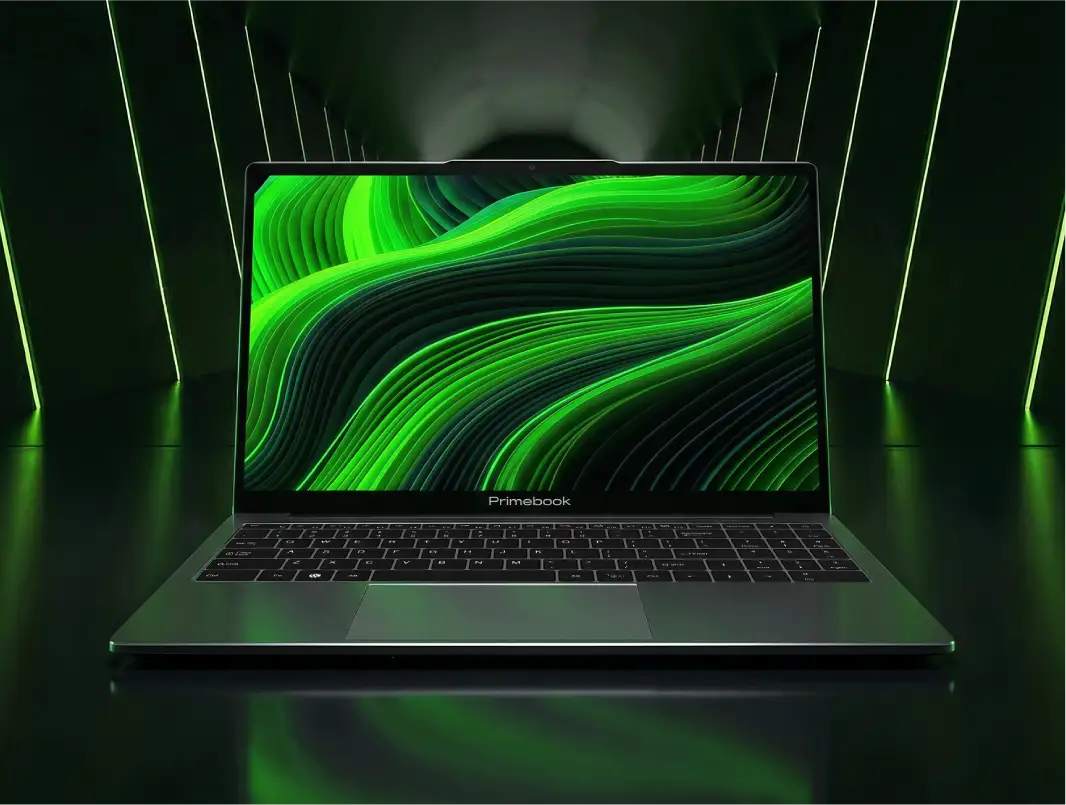
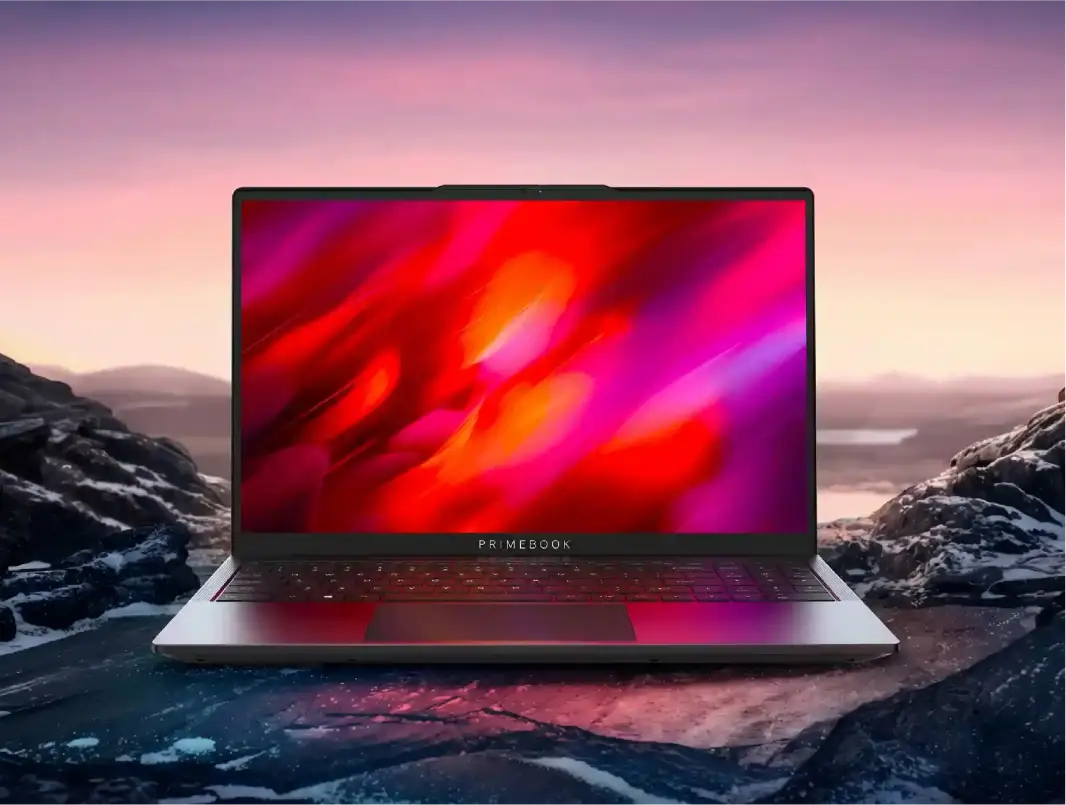
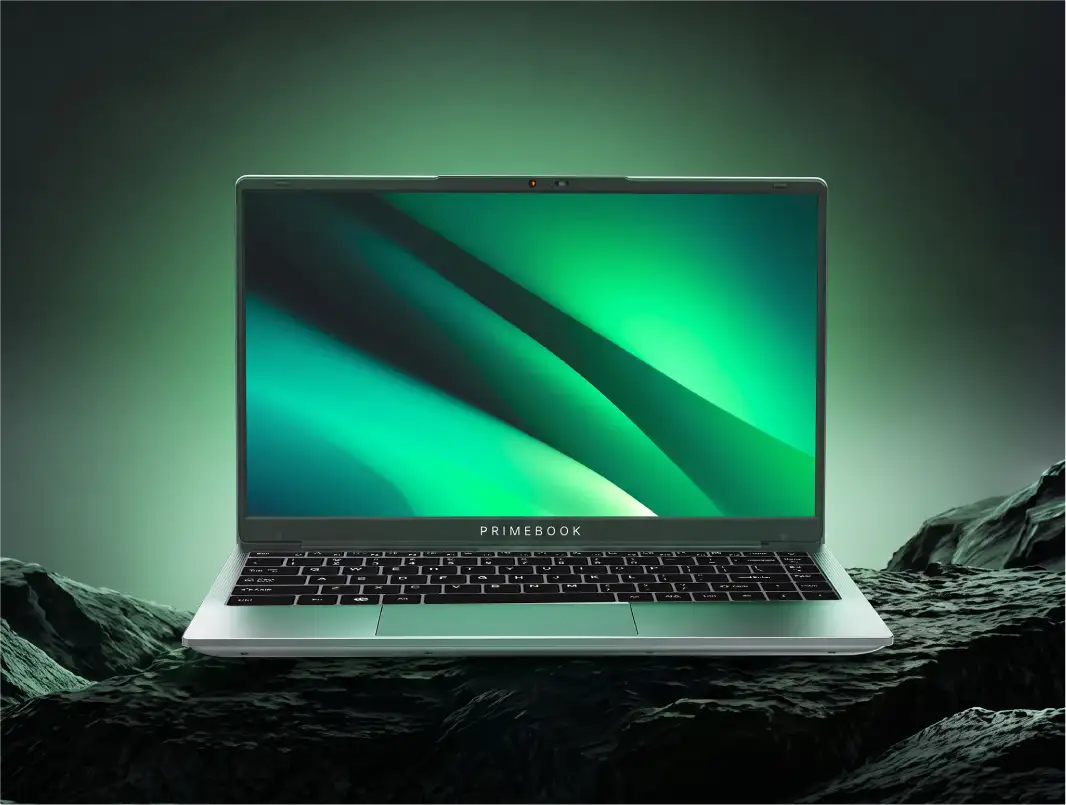
This Flipkart Big Billion Days, Primebook laptops will be available at special festive prices across different configurations. From a compact laptop for everyday coursework to larger displays, additional storage and the latest Primebook hardware, students can choose based on their academic needs and budget.
| Primebook | Regular Price | BBD Discount | BBD Price |
|---|---|---|---|
| Primebook Neo | ₹26,990 | ₹3,000 | ₹23,990 |
| Primebook 2 Pro | ₹28,990 | ₹2,000 | ₹26,990 |
| Primebook 2 Max 128GB | ₹30,990 | ₹3,000 | ₹27,990 |
| Primebook 2 Max 256GB | ₹32,990 | ₹2,500 | ₹30,490 |
| Primebook 3 Max | ₹35,990 | ₹2,000–₹2,500 | ₹33,490–₹33,990 |
Additional bank offer: Eligible customers can avail an instant bank discount of ₹1,500–₹2,000, subject to applicable payment and offer terms.
Beyond the festive prices, each Primebook is suited to a different student use case. The right choice depends on the kind of work you do today, the screen and battery experience you need, and how much room you want for future learning and projects.
Primebook Neo: For Compact, Everyday Student Use
Primebook Neo is suited to students who prioritise portability and compactness for moderate everyday tasks. It can handle online classes, browsing, online learning, YouTube, Android apps, offline productivity work and AI-assisted tasks, making it a practical choice for students who want a smaller device for their everyday essentials.
Primebook 2 Pro: For Long Study and Work Sessions
Primebook 2 Pro is built for students who spend longer hours on their laptop and want a combination of battery life and a high-resolution display. Its 14.1-inch Full HD IPS Anti-Glare display, 60.3Wh battery with up to 14 hours of battery life and backlit keyboard make it well suited to extended classes, research, assignments and study sessions.
Primebook 2 Max 128GB: For Multitasking Across the Day
Primebook 2 Max 128GB is suited to students who need more screen space and stronger multitasking capability for everyday academic work. Its 15.6-inch Full HD IPS Anti-Glare display and 8GB RAM provide more room to work across browser tabs, documents, online classes, research and multiple applications.
Primebook 2 Max 256GB: For Multitasking With More Storage
Primebook 2 Max 256GB combines the Max series' larger display and multitasking experience with 256GB of internal storage. It is suited to students who work across multiple applications while also keeping a larger collection of academic files, presentations, media and project work stored locally.
Primebook 3 Max: For Advanced Student Workflows
Primebook 3 Max is designed for students who want next-generation hardware for more advanced workloads. Powered by the MediaTek Genio 720 with 8GB LPDDR5 RAM, 128GB UFS storage and an integrated NPU, it is suited to students exploring AI-enabled workflows alongside productivity, projects, coding and other demanding tasks.
| If your priority is... | Consider |
|---|---|
| Compactness, portability and moderate everyday tasks | Primebook Neo |
| Longer study sessions with a high-resolution display and backlit keyboard | Primebook 2 Pro |
| Multitasking across classes, browsing, research and multiple applications | Primebook 2 Max 128GB |
| Multitasking with more space for academic files and projects | Primebook 2 Max 256GB |
| Advanced tasks and next-generation hardware with an NPU | Primebook 3 Max |
What the Primebook Software Setup Adds for Students
Choosing a laptop for students is not only about processor, RAM, storage or display. The software environment also shapes what students can do with the device, from everyday productivity and AI-assisted tasks to technical learning and more advanced computing requirements.
Primebook laptops are powered by PrimeOS, company's own OS, which is built from the grounds up on the Android platform and its underlying Linux kernel, with a desktop-oriented layer designed for laptop use. This brings the Android application ecosystem to a laptop form factor while supporting a PC-style workflow with windowed multitasking, keyboard and trackpad navigation, file management and external peripheral support.
Within this PrimeOS experience, students have access to capabilities such as PrimeOffice, PrimeAGNT, PrimeLinux, PrimeSecurity and Task Manager, covering everyday productivity, AI-assisted workflows, technical learning and device health management. For requirements that extend beyond the local PrimeOS environment, PrimeX Cloud PC provides access to Windows and Linux environments through the cloud.
Also Read: How An OS-First Approach Changes Everyday Computing?
PrimeOffice for Everyday Academic Work
For students, productivity often means working on assignments, preparing presentations, maintaining spreadsheets and managing documents. PrimeOffice brings these everyday tools directly into PrimeOS through PrimeDocs, PrimeSheets and PrimePresent.
It is a free, ad-free and offline productivity suite, so students can work on their documents, spreadsheets and presentations without an additional Office licence or a constant internet connection. PrimeOffice also supports opening, editing and saving Word, Excel and PowerPoint files, with familiar shortcuts, autosave and direct printing for workflows that students may already be used to.
PrimeAGNT for Getting Tasks Done
PrimeAGNT is Primebook's Operator AI, built to execute tasks rather than simply respond to questions like a conventional chatbot. Students can give it an instruction through text or voice, and PrimeAGNT can break the request into multiple steps and work across applications, browser tabs and system settings.
That makes it relevant to workflows where the goal is not just to generate an answer, but to get something done. PrimeAGNT can work with tasks such as creating or working with Google Sheets, finding or sending emails, interacting with WhatsApp, installing applications and changing system settings. Its current Primebook implementation also provides 5,000 AI credits, with additional credits available through top-ups.
Also Read: What is Operator AI?
PrimeLinux for Technical Learning
For students moving into coding, development or other technical subjects, PrimeLinux adds selected Linux applications and a Linux terminal within the PrimeOS environment. Supported applications include VS Code, GIMP, Postman, LibreOffice, Power BI and Arduino IDE, while the terminal supports Linux commands, CLI tools and Python scripts.
This gives students a local environment for learning development tools, experimenting with Python, working with command-line utilities and exploring technical workflows. PrimeLinux provides selected Linux applications rather than the complete software ecosystem of a conventional Linux distribution, so compatibility should be checked if a course or project requires a particular application or development environment.
PrimeSecurity and Task Manager for Managing the Laptop
PrimeOS also includes tools that help students keep track of what is happening on their device.
PrimeSecurity scans for potentially dangerous or fake applications, warns about non-authentic developer signatures and can block or stop dangerous or resource-heavy applications running in the background. Task Manager provides visibility into CPU and RAM usage and startup applications, helping students understand and manage resource usage.
PrimeX Cloud PC for Requirements Beyond PrimeOS
Some students may eventually need software or desktop environments that are not available locally through PrimeOS and PrimeLinux. PrimeX Cloud PC provides access to Windows and Linux environments through the cloud, extending what the Primebook can do without requiring those full desktop environments to be installed locally.
Depending on the environment, this can provide access to software such as Android Studio, MySQL Workbench, IntelliJ IDEA, PyCharm, WebStorm and Qt Creator, along with other desktop applications supported by the selected cloud environment.
The distinction is important: PrimeLinux provides selected Linux applications and terminal access locally, while PrimeX Cloud PC provides fuller Windows and Linux environments through the cloud when a specific requirement goes beyond the local PrimeOS setup. PrimeX Cloud PC is subscription-based and depends on a reliable internet connection, so students should factor both into their requirements.
Also Read:
- Laptop with Long Battery Backup: Primebook 2 Pro
- Best Laptop Deals for Aspiring Indian Coders on Amazon GIF 2026
Conclusion
The right time to buy a laptop is not always when the need becomes urgent. Sometimes, it is when the opportunity to make that purchase on better terms comes along.
With Flipkart Big Billion Days 2026, students have that opportunity. If a laptop purchase or upgrade is already on the cards, the festive sale can be the point at which that decision finally makes sense.
FAQ
Should I buy a laptop during BBD Early Access or wait for the main sale?
If the configuration and price you want are already available during Early Access, there is little reason to delay purely in the hope of a lower price. Early Access begins on 8 October for eligible customers, while the wider BBD sale starts on 9 October.
What should I check when my laptop is delivered through Open Box Delivery?
Before accepting the delivery, check that the laptop is the correct model and variant, and inspect the body, display, hinges, charger and other included accessories for visible damage or missing items. Flipkart's Open Box Delivery allows eligible laptop orders to be inspected before acceptance.
What happens if the laptop is defective after delivery?
The applicable replacement or return process depends on the product and seller policy. For Open Box deliveries, Flipkart states that returns are allowed for manufacturing defects, while damaged or tampered products should be identified at delivery. Check the product page for the applicable replacement guarantee before ordering.
Editorial Transparency: This article was generated using AI and reviewed by the Primebook team before publication. AI was used to support research, structure and drafting, while the Primebook team reviewed the final article for factual accuracy, product relevance and clarity. Product specifications, pricing, sale offers and technical information were checked against relevant sources.