4 Must-Have Utility Apps for First-Time Primebook Users

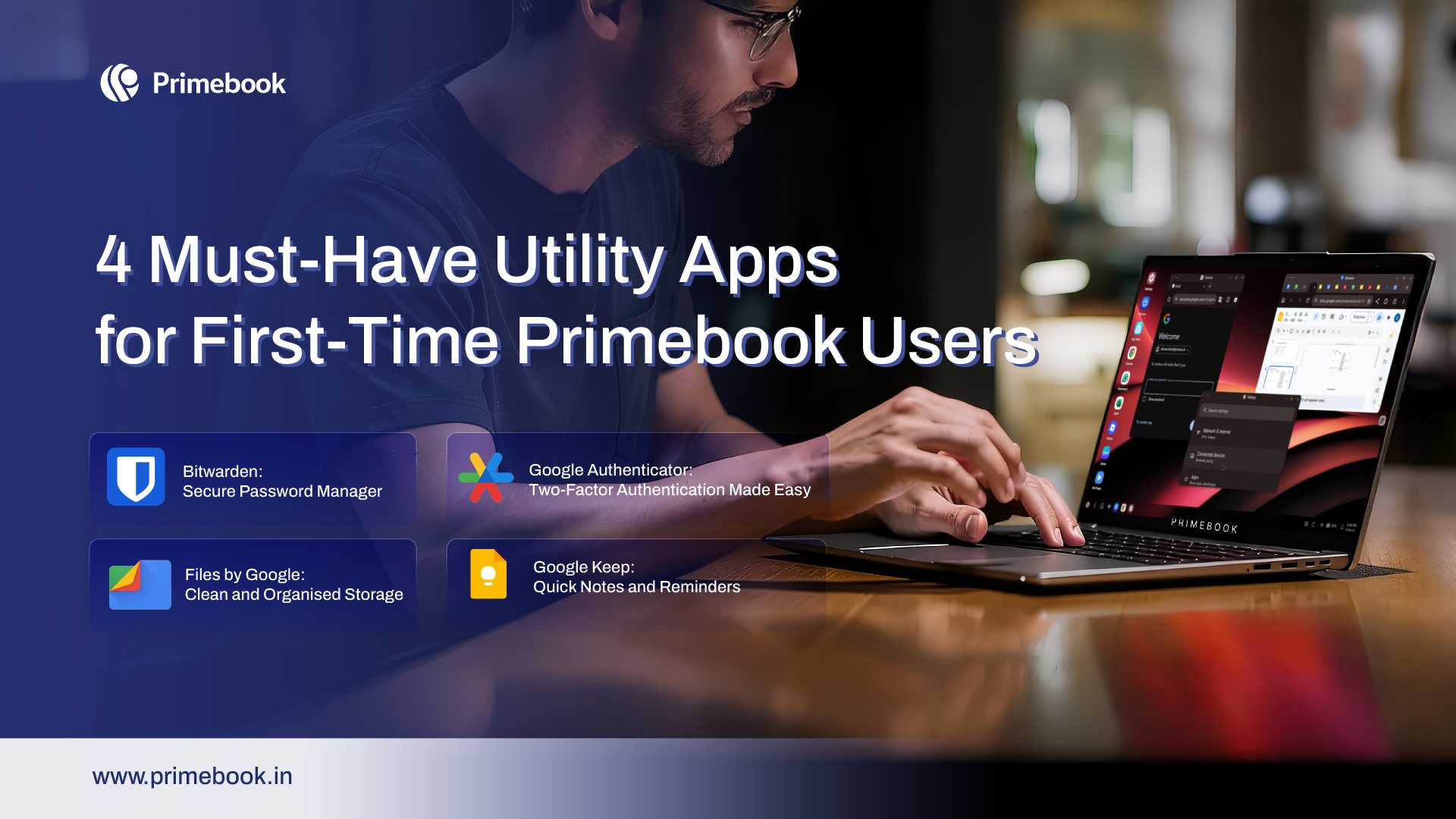
Getting started with your Primebook 2 laptop is all about unlocking smooth productivity from day one. With Android 15-powered PrimeOS 3.0, you already have a desktop-class experience that’s fast and intuitive. Add in a few essential utility apps for Primebook, and everyday tasks like organising files, managing notes, or keeping accounts secure will get even easier. These apps help you set up quickly and stay efficient, so your Primebook feels ready for anything right from the start.
1. Bitwarden: Secure Password Manager
App Size: 30MB | Rating: 4.7/5
Managing passwords can be a headache, but with Bitwarden, one of the most reliable utility apps for Primebook users, you get a secure, encrypted vault for all your logins. It’s easy to use and auto-fills passwords across apps and websites, keeping your accounts safe without messing up your workflow. Being open-source and lightweight, it runs smoothly on Primebook 2 without taking up much storage. With keyboard shortcuts, checking or adding new passwords feels quick and seamless.
2. Google Authenticator: Two-Factor Authentication Made Easy
App Size: 3MB | Rating: 4.4/5
Staying secure online goes beyond just strong passwords. With Google Authenticator, you can add two-factor authentication to your accounts by generating time-based codes for safer logins. It’s fast, lightweight, and simple to set up, making it one of the most practical utility apps for Primebook users who want extra protection. With Primebook’s multi-window support, you can quickly copy codes while logging into apps or websites without breaking your workflow.
Also Read: Best Note-Taking Apps on Primebook
3. Files by Google: Clean and Organised Storage
App Size: 10MB | Rating: 4.7/5
Keeping storage organised is one of the easiest ways to keep your device running smoothly for a long time. Files by Google helps you identify duplicates, large files, and unused apps, offering smart suggestions to clear space with just a tap. Beyond cleaning, it works as a full file manager and supports offline sharing, making it one of the must-have utility apps for Primebook users. Its intuitive layout makes browsing folders, moving files, and accessing downloads simple, so your Primebook stays tidy without effort.
4. Google Keep
App Size: 11MB | Rating: 4.5/5
Lists, record voice reminders, or save images in seconds. Its colourful sticky-note style layout makes organising tasks easy, while syncing across devices ensures your notes are always available. On Primebook 2, Keep works especially well for everyday planning, helping you track to-dos or sudden ideas without interrupting your workflow.
Google Keep is one of the simplest utility apps for Primebook users who want to capture ideas quickly. You can jot down notes, create checkng things out and more time actually getting things done.
Also Read: Top 5 Time Management Apps You Can Use on Primebook
To conclude, utility apps may feel simple, but they have an outsized impact on your daily routine. From cutting down setup time to keeping files, notes, and logins in order, they remove small frictions that often add up to wasted hours. For first-time Primebook users, starting with the right set of tools means you spend less time figuri Quick Notes and Reminders